


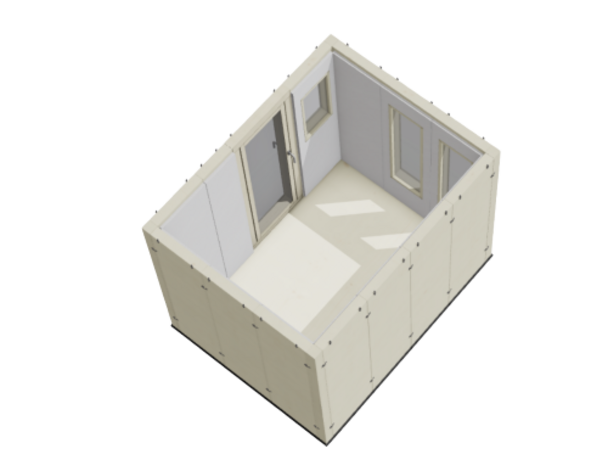
ROSI
Customise your own cabin
The configurator uses the standard height (205 cm interior dimensions). Please specify other heights, intermediate sizes and desired additional equipment in the comment field.
Maximum cabin size in the configurator: 240 x 480 cm (interior dimensions). Our STUDIOBOX team will be happy to personally configure larger cabins (XXL boxes) or those with special dimensions (e.g., corner doors, L-shape, etc.) for you.
The visible surfaces of the interior walls are covered in fabric and wood. The interior acoustics of the ROSI configuration are created based on our top model STUDIOBOX PREMIUM.
Please indicate in the comment field whether you require straight, parallel interior walls (ROSI Relax model) or angled interior walls (ROSI Studio model). Please note that with angled walls, furniture cannot be placed flush against the surface.
Configure step by step
Tip: The cube-shaped box button in the configurator lets you view your box at any time WITHOUT THE CEILING and with your choice of fabric or wood interior.
The compass symbol allows you to return to the standard position.
Individual configuration: Do you want a different, non-predefined cabin size? Panoramic windows spanning multiple sections? Special features? - Your ROSI will be custom-made in our carpentry workshop. This allows us to fulfill almost any request.